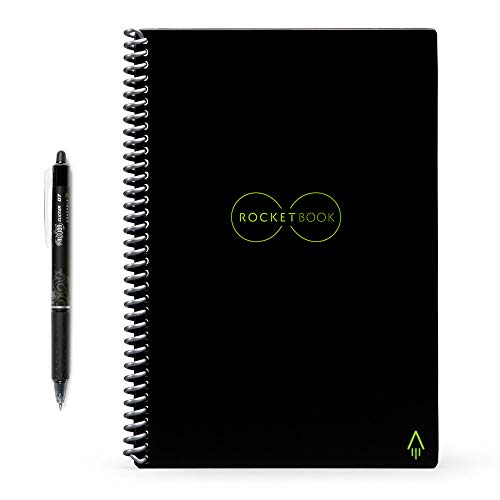
Rocketbook is a smart reusable notebook that’s completely erasable when you wipe it with a dampened microfiber cloth, so you can use each page over and over again.
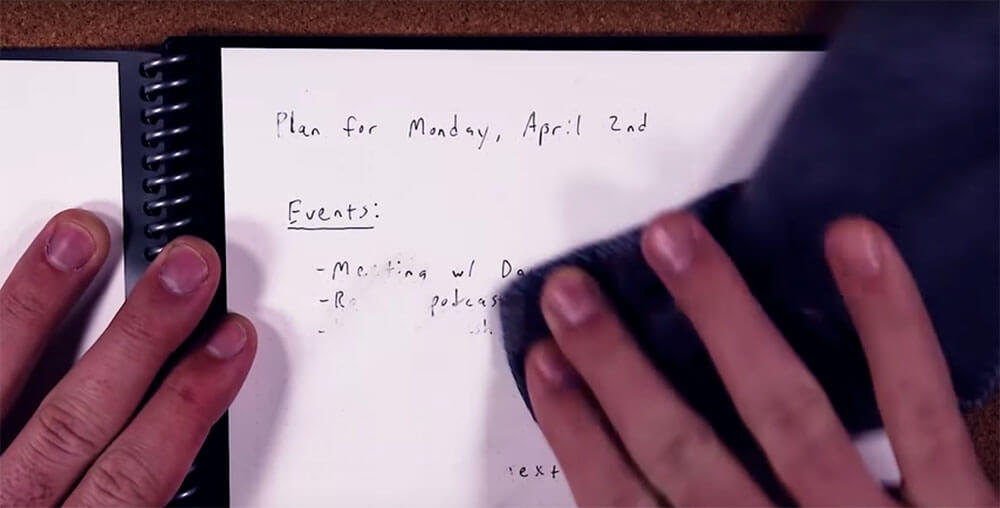
It offers the best of both physical and digital note-taking as it lets you take physical notes, quickly digitize them, and then erase the notebook when you’re done.
You can write in the Everlast notebook with the included FriXion pen, take a picture to scan the notes, and seamlessly send either a PDF or JPEG of your writing to a host of destinations (your email, messages, iCloud, Google Docs, Dropbox, and more). Then, once you’re done and want a fresh page, you take a wet cloth and wipe it down. Your notes come off, and you can start the process again.
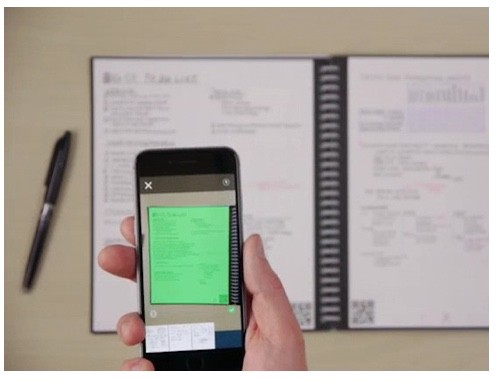
To start using the Everlast, you download the iOS or Android Rocketbook app, and create an account. After creating your account, the entire process from writing to scan is really very simple. The camera on your smartphone opens through the Rocketbook app, and pressing “New Scan,” and will bring up a four green guide points, which you’ll center over your Everlast page. The scan happens automatically.
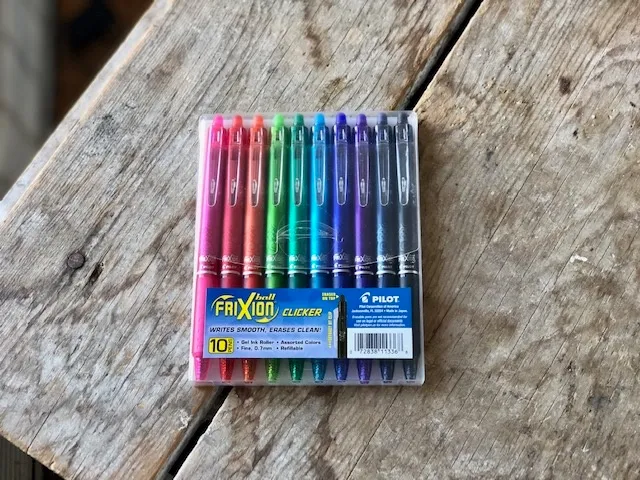
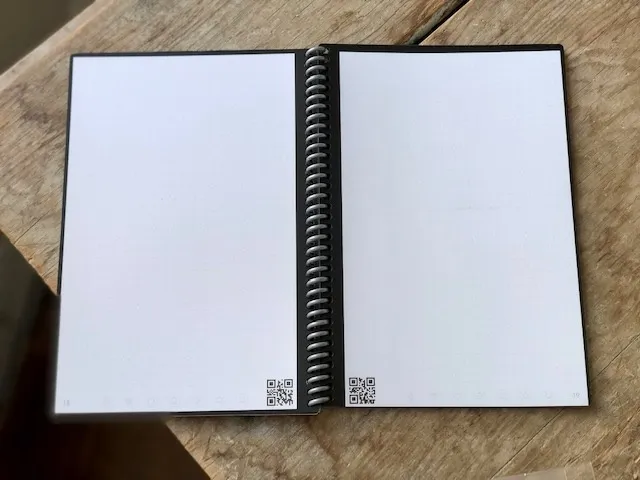
It’s crucial to know that you can’t use just any pen with the Rocketbook Everlast. You can, but you won’t erase the page. The device requires the use of pens with FriXion ink, which can be erased, One of Rocketbook’s best features is the ability to quickly check off, or draw a mark across one of seven symbols at the bottom of page. There in off-white ink, they’re hard to see at first — a quick glance and you’ll miss them. But with these seven symbols, you can select as many different digital locations, where notes can be sent.
Options are nearly endless as you pick anyone’s email or iMessage accounts, plus Slack account, Google Drive, Evernote, Dropbox, OneDrive, OneNote, iCloud and Box.
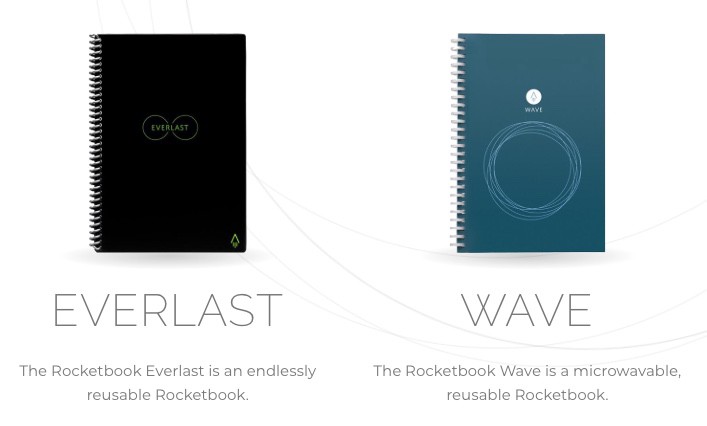
Rocketbook has another note book, the Rocketbook Wave. It’s another cool notebook to have but unlike the Everlast, you can only erase it about 5 times, the colour on the notes aren’t incredibly vivid, due to the due to the paper material used, and you, erase notes on this notebook by microwaving it.
Yes, you erase notes by putting it in the microwave and turning it on.
On the bright side, you could use that as a conversation starter. “I microwave this notebook to remove the notes”.
Who knows, you just may find your LOML.
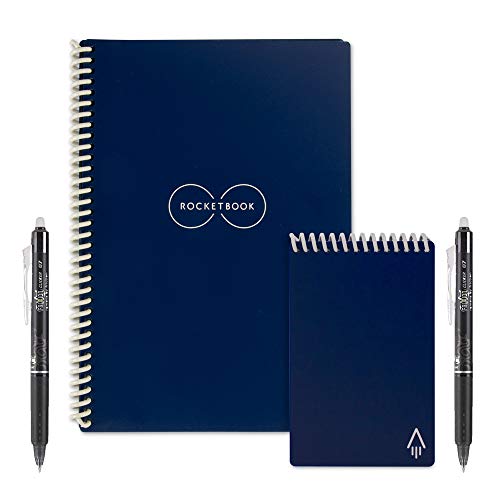
Our pick, The Rocketbook Everlast notebook doesn’t need all that and it also lasts longer than the Rocketbook Wave.
The Rocketbook Everlast costs about $32 and a three-pack of black-ink FriXion pens would set you back by $7.